Introduction
Hashvatar is a small avatar generator that turns any string into a unique visual identity.
It can start from a username, an email hash, a user ID, a project name, a workspace, or any other identifier a product already has. The idea is simple: when something exists in your product but does not have an image yet, Hashvatar gives it a visual presence.
Same input, same avatar, every time.
Problem
Most products eventually run into the same small problem. They need to represent people, projects, teams, or records before any custom image exists. In the ideal version of the product, every profile is complete. In reality, many users never upload a picture, many objects are created automatically, and many interfaces need to display identity before identity has been fully defined.
So we fall back to placeholders.
A neutral circle. Initials. A random color. Sometimes an empty image state.
Those fallbacks are functional, but they rarely help the interface. They do not make a list easier to scan. They do not help someone recognize an item they saw earlier. They often make the product feel less finished than the rest of the experience.
Hashvatar is built for that moment.
It does not try to replace custom profile pictures or become a profile system. If a user has an image, use it. Hashvatar is for everything before that, and for everything that may never need a custom image at all. A project, an environment, a session, a generated user, an internal record, a wallet, a workspace. Anything that already has a stable identifier can also have a stable visual identity.
How It Works
The way it works is intentionally simple. Hashvatar takes a string and uses it as a seed. That seed defines the colors, the composition, and the final avatar. Nothing is stored, fetched, or uploaded. The same string will always generate the same result.
1npm install hashvatar1import { Hashvatar } from 'hashvatar/react'
2
3<Hashvatar hash="user_12345" size={64} />That simplicity matters. A fallback avatar is not supposed to become a heavy integration. It should be easy to add in the places where the product needs it, and quiet enough to disappear into the system once it is there.
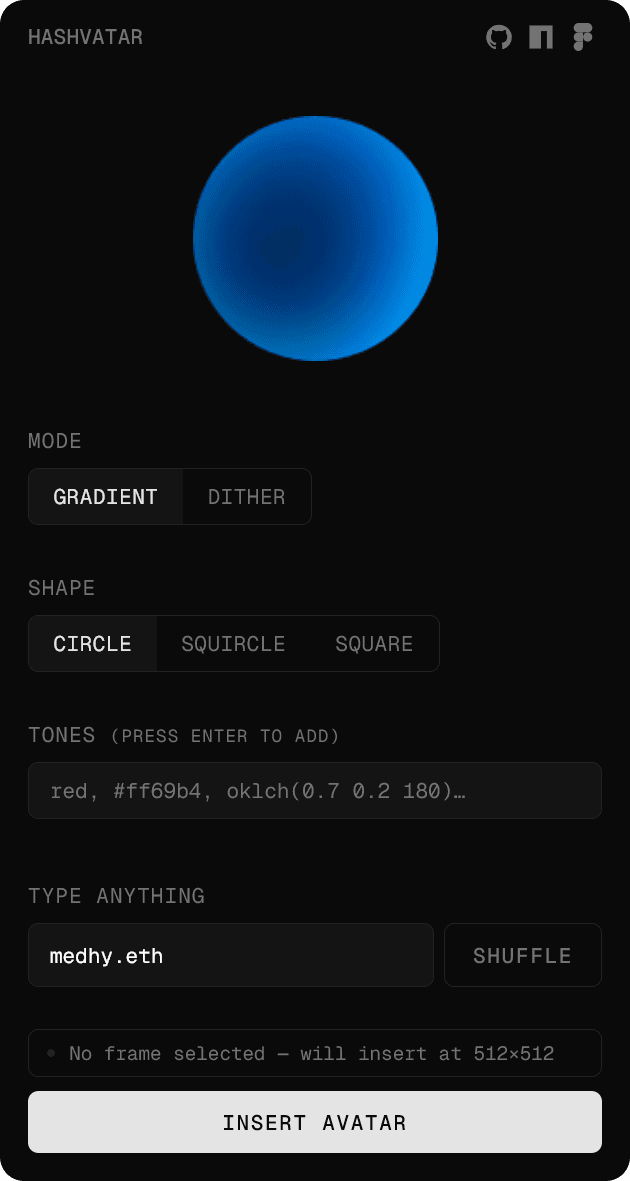
This is also why Hashvatar is available in a few different places. There is an npm package for product teams who want to use it directly in their app, a GitHub repository for anyone who wants to inspect the code or contribute, and a Figma plugin for designers who want to explore the same visual system directly inside their design workflow.
That last part matters more than it sounds. If a component only exists in code, designers often have to fake it in mockups. If it only exists in Figma, engineers have to rebuild it later. Hashvatar is meant to sit in both places, so the default identity system can stay consistent from design exploration to production.
The design challenge was not to create the most expressive avatar possible. It was to create something useful enough to improve everyday product surfaces: tables, cards, dashboards, comments, member areas, workspace switchers, and all the places where identity is repeated at small sizes.
Visual Modes
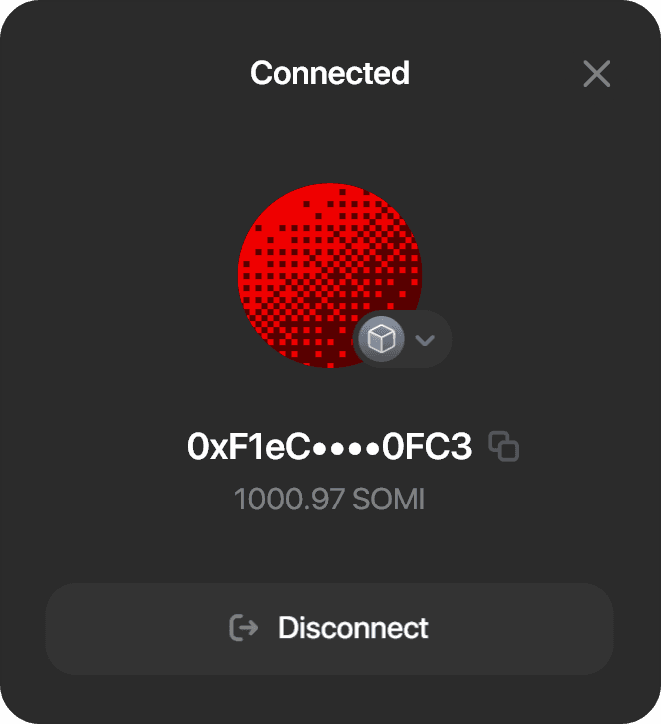
Hashvatar currently has two visual directions. The default gradient mode is soft and clean. It is meant for interfaces where the avatar should add recognition without creating too much visual noise. The dither mode is more graphic and textured. It gives the same deterministic logic a sharper, more digital feeling.
1<Hashvatar hash="sarah" mode="gradient" />1<Hashvatar hash="project_alpha" mode="dither" />Both modes solve the same problem, but they do not create the same mood. That matters because a product's default states still carry brand and personality. A fallback should not feel disconnected from the rest of the interface.

Brand Control
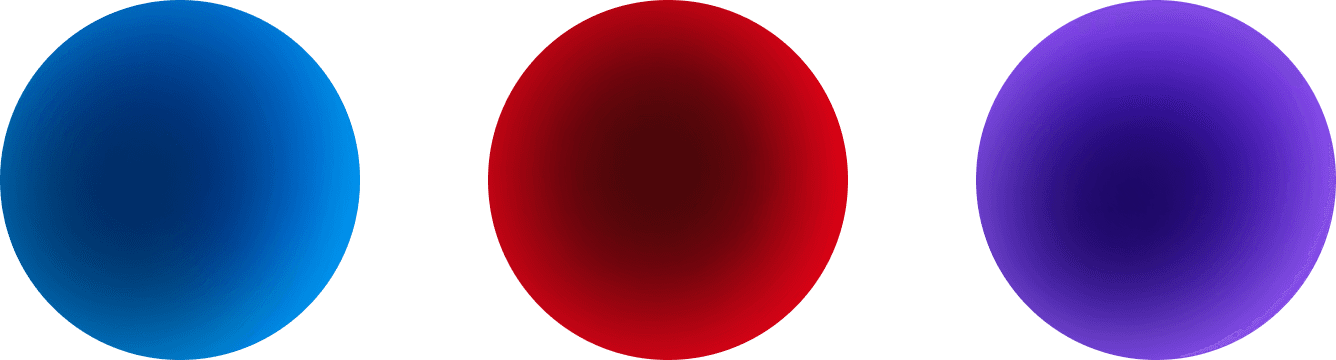
For that reason, Hashvatar can also be guided by brand tones. Instead of letting the generator produce colors that feel completely unrelated to the product, you can pass a palette and keep the output within a visual direction.
1<Hashvatar
2  hash="workspace_42"
3  tones={['#00ACFF', '#004462']}
4/>
The goal is balance. Enough variation for each avatar to feel unique, enough control for the set to feel intentional.

Motion works the same way. It exists, but it is not the point. An animated avatar can make a profile preview, onboarding screen, or active state feel more alive, but most dense interfaces are better when the avatar stays still.
1<Hashvatar hash="user_12345" animated />The component is designed to stay lightweight. It has zero dependencies, works with React or vanilla JS, and renders locally. There is no external service to call and no image URL that can break.
That was an important constraint from the start. Hashvatar is solving a small problem, so it should stay small. The value comes from making a common default state better, not from adding another layer of complexity.
What I like about this kind of component is that it sits in a quiet part of the product. It is not the main feature. It is not the thing people will write a long onboarding flow about. But it improves the way the product feels everywhere it appears.
A table becomes easier to scan. A project becomes easier to recognize. A user feels less anonymous. A product feels more complete before anyone has uploaded an image.
That is the whole idea behind Hashvatar.
Just a better default.